Powered by SnippingFlow Max

Turn any screenshot into clear, actionable answers in seconds

Capture, analyze, and get structured responses designed to reduce hesitation — clear reasoning, concise final answer, practical context.

Perfect for multiple-choice exam practice
Great for fill-in-the-blank and short-answer prompts
Built for fast, confident decisions under time pressure
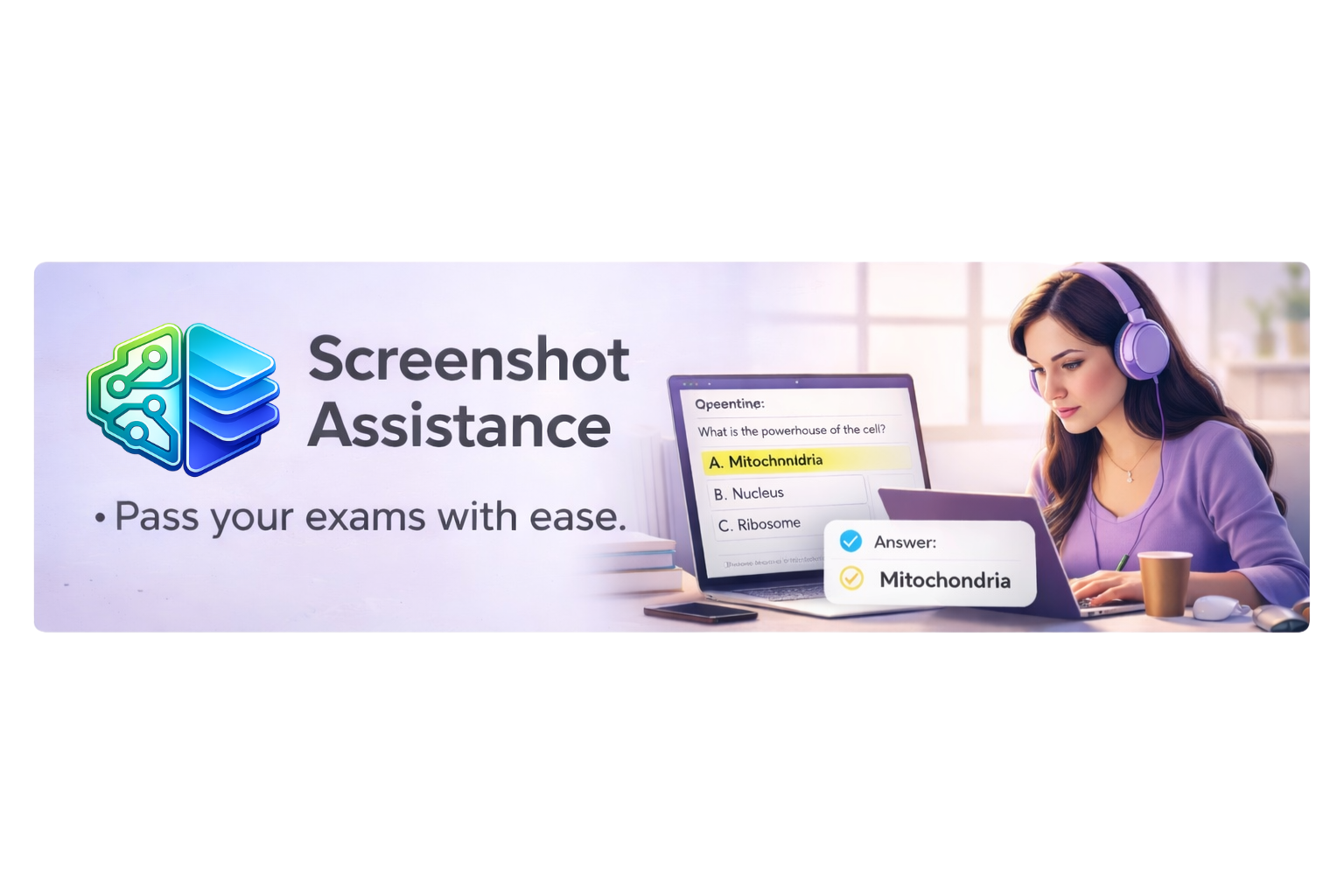
Screenshot assistance view
AI powered help screenshot
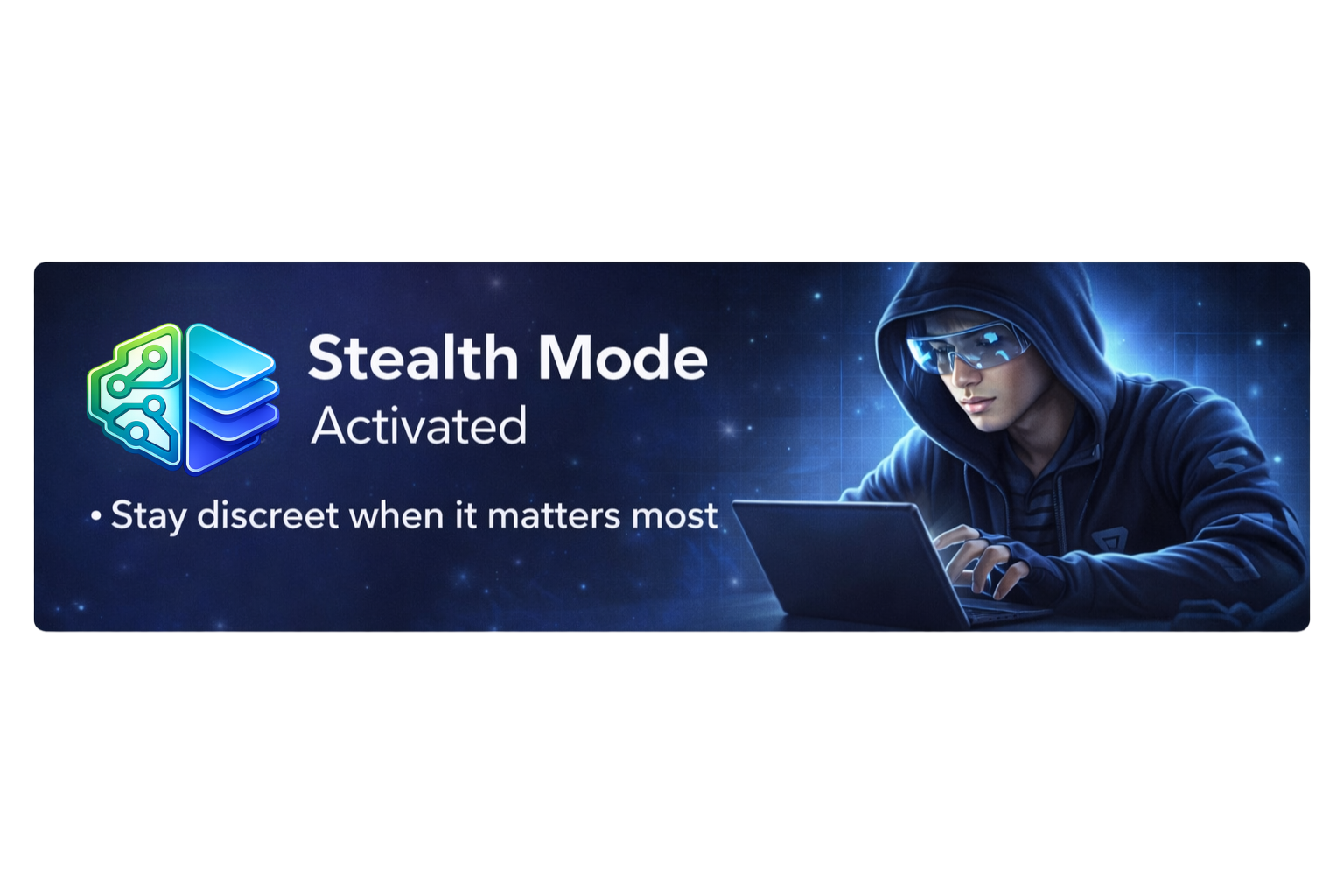
Stealth mode screenshot
Privacy-firstSub-second responsesVision-first AI
Why SnippingFlow

Built for clarity under pressure

Structured responses designed to reduce hesitation: clear reasoning, concise final answer, and practical context.

AI-powered screenshot analysis

Capture any region of your screen and get instant structured analysis — answers, summaries, translations, and reasoning tailored to what you need.

Vision AI
Multi-modal

Sub-second responses

Optimized inference pipeline delivers answers in under a second, even for complex screenshots.

Privacy first

Screenshots are processed securely and never stored. Your data stays yours.

Works everywhere

Browser extension captures any region. Web app for deeper analysis.

Reasoning included

Every answer comes with clear reasoning, not just a final response.

How it works

Three steps to clear answers

01

Capture

Press the hotkey or click the extension icon to capture any region of your screen.

02

Analyze

SnippingFlow Max processes the image with vision AI tuned for exam-style content.

03

Get answers

Receive a structured response: reasoning, answer, and practical context — instantly.

Loved by users

What our users are saying

I use SnippingFlow Max every day for multiple-choice mock tests. It helps me verify options fast and study with confidence.

A
Andrea R.
Medical Student

For fill-in-the-blank prep and legal reading checks, it saves me hours. The responses are clear and practical.

L
Luis M.
Law Candidate

I started on Free, then upgraded to Pro in two days. The workflow is smooth and the answers are consistently useful.

V
Valeria T.
Bootcamp Student
Plans and pricing

Simple, transparent pricing

Start free. Upgrade when you need more captures.

Free

$0/ forever

Perfect for trying out SnippingFlow.

  • 10 captures per day
  • Basic AI analysis
  • Web app access
  • Community support
Recommended

Pro

$7.99/ per month

For students and regular users.

  • 100 captures per day
  • Advanced AI analysis
  • Priority response time
  • Capture history
  • Email support

Premium

$14.99/ per month

For power users and professionals.

  • Unlimited captures
  • All AI models
  • Fastest response time
  • Extended history
  • Priority support
  • API access
FAQ

Frequently asked questions

Is SnippingFlow optimized for exam-style questions?+
Yes. SnippingFlow is optimized for exactly those workflows: fast screenshot capture, option analysis, and concise explanations to reduce second-guessing.
How is my data handled?+
Screenshots are processed securely via encrypted channels and never stored beyond the active request. Your data stays yours.
Can I cancel anytime?+
Yes. Plans are month-to-month and you can cancel from your dashboard at any time — no questions asked.
Does the Chrome extension work on every website?+
Yes. The extension can capture any visible region of any page. Some banking and DRM-protected sites may restrict capture.
Which AI models power the analysis?+
SnippingFlow Max uses advanced vision-language models tuned for exam-style content. Pro and Premium tiers get access to higher-quality variants.

Ready to get started?

Free tier available. Upgrade only when you need more captures.